TRIP PREPARATION / Google Translate
The best time to discover an app limitation is at home. A short rehearsal can reveal missing downloads, confusing saved places and assumptions about translation before they become travel-day problems.
Recreate the first hour
Imagine arriving with limited connectivity and a low tolerance for setup. Find the accommodation address, identify the onward journey and prepare a short question in the destination language. Use the same phone and files you will take. This is more revealing than checking that the applications launch while you are on a strong home connection.
Check what is actually stored
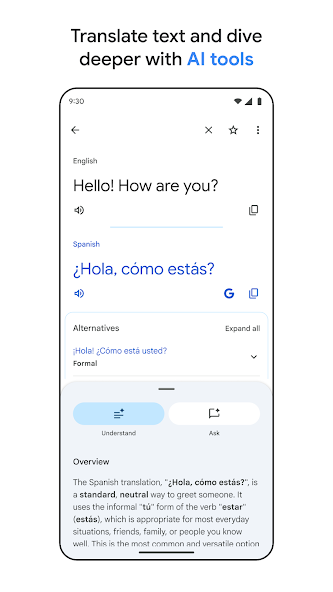
Downloaded maps, language packages and saved documents have different storage requirements. Confirm each item independently. Google Translate's offline help describes downloadable language support, but that does not make your booking email or map available. Keep essential details in a readable offline format and ensure that opening them does not depend on a new sign-in.
Practise a failure
Temporarily remove connectivity and repeat the small task. If something fails, write down a specific fallback: show a saved address, consult an offline map or ask at an information desk. Avoid making the fallback another app with the same untested dependency. The aim is not to simulate every emergency; it is to remove obvious single points of failure.
Make the plan easy to retrieve
Place essential material somewhere you can find it quickly. A folder containing twenty indistinguishable screenshots is less useful than a few clearly named files. Review battery arrangements, required permissions and storage before leaving. Keep private documents out of shared albums or public links, and share only the details a travel companion actually needs.
A small check to try
- Rehearse arrival, directions and one simple question.
- Repeat with connectivity unavailable.
- Name and organise essential offline files.