TRANSLATION / Google Translate
Offline translation can reduce dependence on roaming data, but feature support varies. Prepare the language pair and test the exact task you expect to need, rather than assuming every mode works offline.
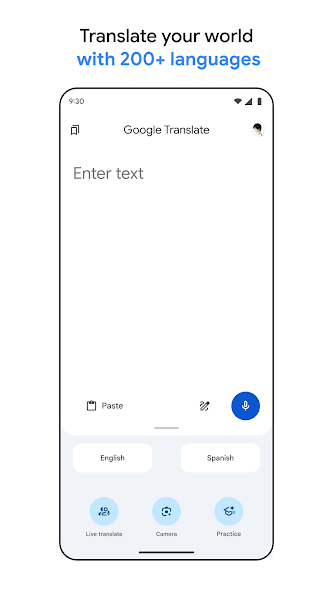
Check the actual language pair
Google's help page explains that supported language packages can be downloaded in advance, and that a missing download control means the language cannot be downloaded through that option. Prepare both sides of the conversation where relevant. Do this before departure over a reliable connection, then confirm the packages appear as downloaded instead of merely appearing in the language selector.
Test the task, not the label
An application may offer typing, camera and conversation features with different requirements. A downloaded language should not be treated as proof that every mode or language combination will work without a connection. Try a short typed phrase and then the particular mode you expect to use. Record any limitation while you still have time to choose a fallback.
Write phrases that are easy to interpret
Short sentences with one idea are easier to check than idioms or a long paragraph. Include useful context such as the destination, quantity or time, and keep names and addresses intact when appropriate. If the result changes the meaning of a request, rephrase the original rather than repeatedly translating a confusing sentence. A simple question is often more practical than a polished speech.
Keep essential information separately
Save the accommodation address and key travel details in a form you can show directly. Translation is an aid to communication, not a substitute for a qualified interpreter in medical, legal or other consequential situations. For ordinary travel use, a prepared address, a short phrase and a patient exchange can be more dependable than an untested advanced feature.
A small check to try
- Confirm downloaded packages.
- Test text and any other required mode separately offline.
- Keep important addresses and names outside the app.